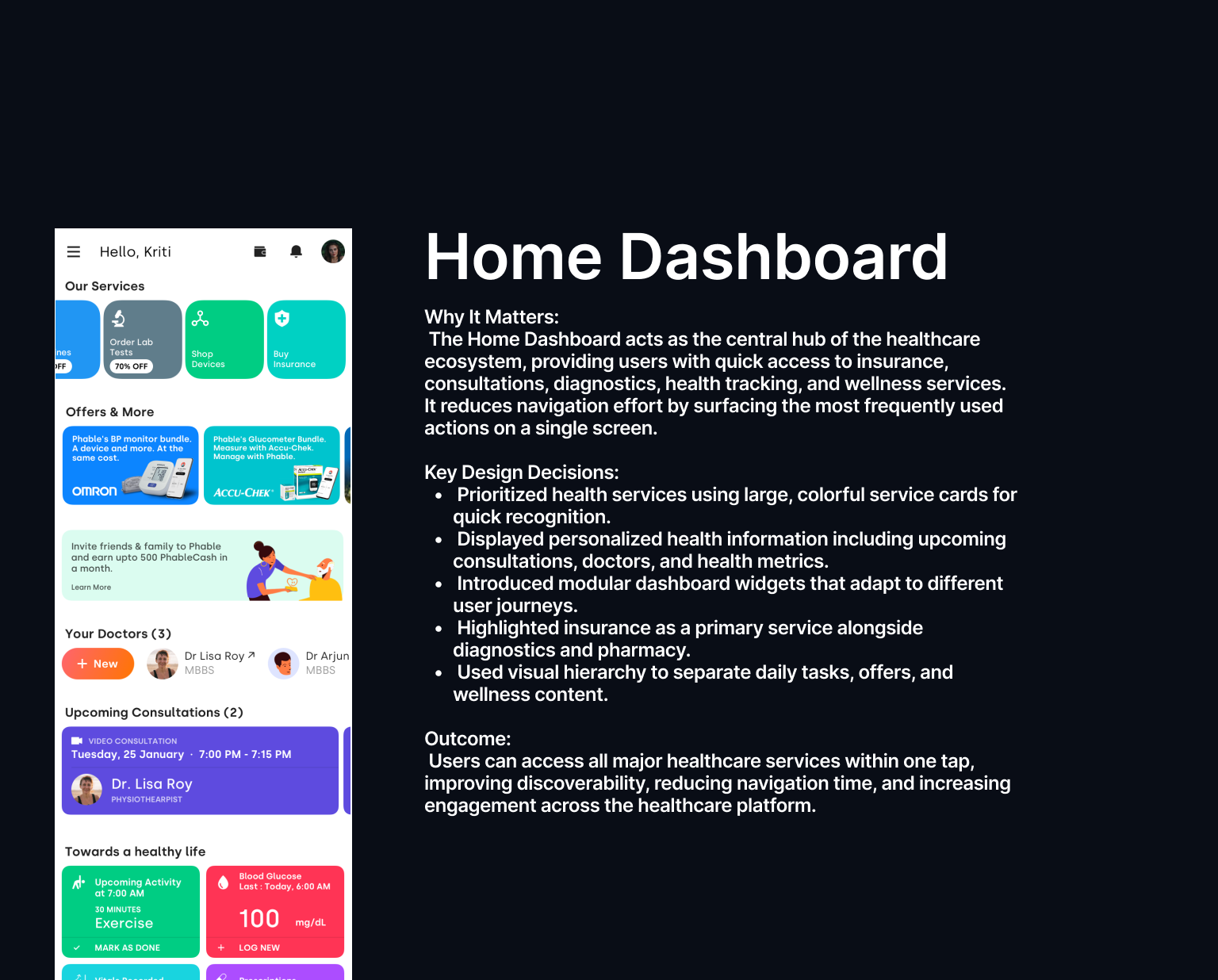
Inclusive access to capital in India's Tier 2/3 cities
Turning a confusing health-insurance purchase into a self-service flow that works for first-time digital users on slow connections.
A market everyone designs past
Tier 2/3 users in India are not edge cases. They're the majority of the next hundred million people coming online. But insurance flows are built for confident, high-bandwidth, English-first users. The result: people who needed coverage most abandoned the purchase, or depended entirely on an agent who may not have their interest at heart.
Where people dropped off
- Dense insurance jargon with no plain-language explanation.
- Forms that assumed fast connections and frequent app use.
- No way to compare plans without already understanding the terms.
- Trust gap: users weren't sure the digital flow was safe or real.
My role
I led the redesign of the end-to-end purchase, partnered with research to get into the field with actual Tier 2/3 users, and made the call to rebuild around plain language and progressive disclosure rather than feature parity with the desktop flow.
- Field research with low-digital-fluency users on real devices and networks.
- Rewrote the flow around questions people could answer, not insurance terms.
- Designed for intermittent connectivity and small screens first.
- Built trust cues into every step so the digital path felt as safe as an agent.
How I approach a problem like this
My process on a two-sided, trust-sensitive product like this always starts the same way: get out of the Figma file and into the user's actual context before designing anything. On this project that meant field visits before wireframes, and a willingness to throw out a comparison-table pattern the team had shipped for years, because the pattern was the problem, not the copy on it.
The comparison table below is the clearest evidence of that process working — same underlying plans and pricing, entirely different cognitive load.

More people, finishing on their own
Completion more than doubled, and most purchases now happen without an agent — which means lower cost to serve and, more importantly, users in control of their own coverage decision.
- 2.4x increase in completed purchases.
- 61% of purchases completed fully self-service.
- 40% fewer support calls during the purchase flow.
The leadership lesson
Inclusive design isn't charity, it's market access. The business case and the user case were the same case: make it usable for the people everyone else designed past, and you unlock the segment everyone else is fighting over. Getting leadership to see those as one argument was the win.
Executive Summary
Research Plan
Research Insights
Stakeholder Map
Jobs to Be Done
Opportunity Map
Design Principles
Workflow Architecture
layer
Entry / awareness
Needs assessment
1 plan, plain copy
Progressive save
Policy issued
layer
Auto-save / resume
Rules → match
Aadhaar / mobile
UPI / netbanking
Insurer issuance
layer
Contextual escalation
Connectivity drop recovery
Offline-safe confirmation
User Flow
Information Architecture
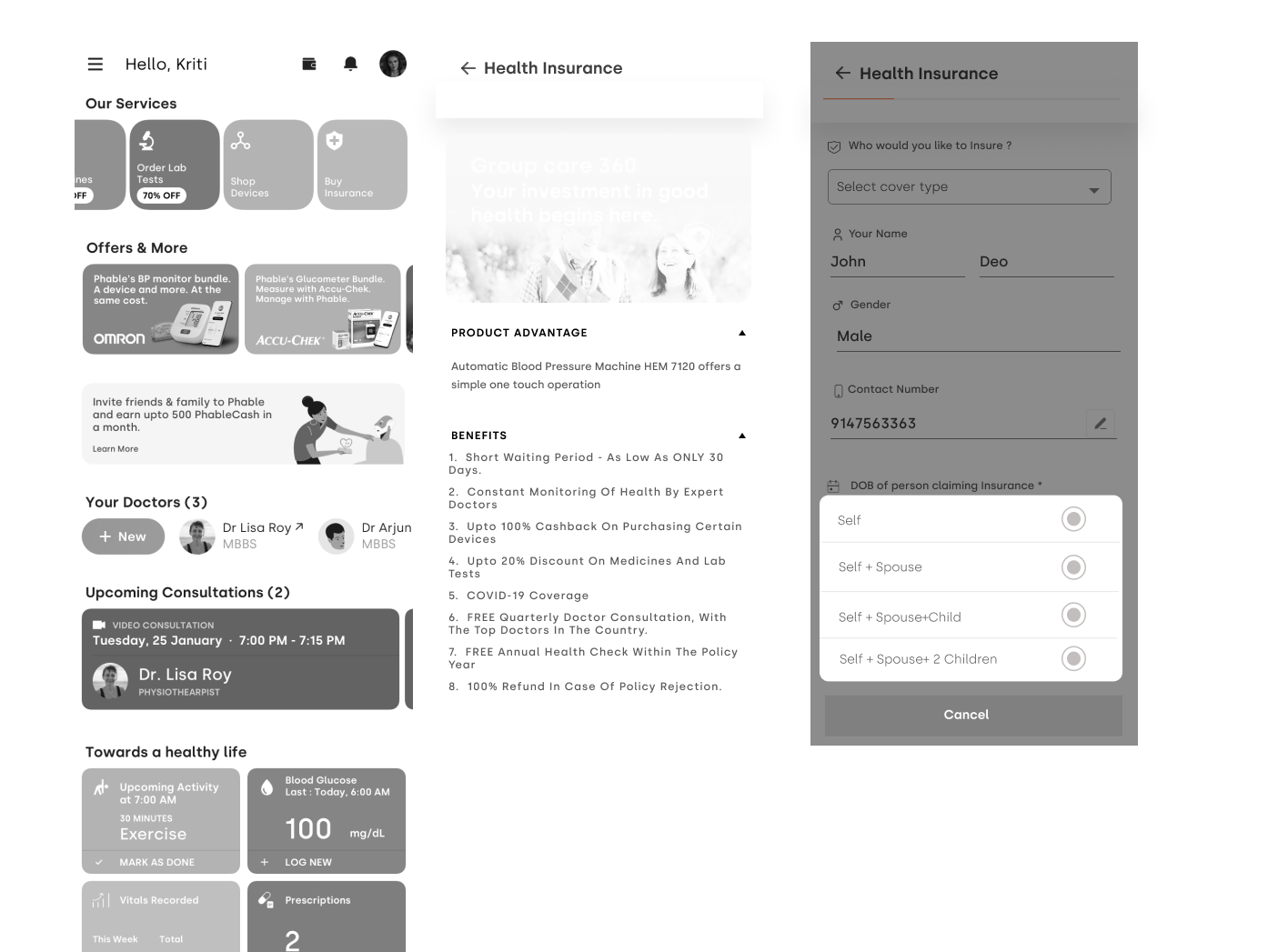
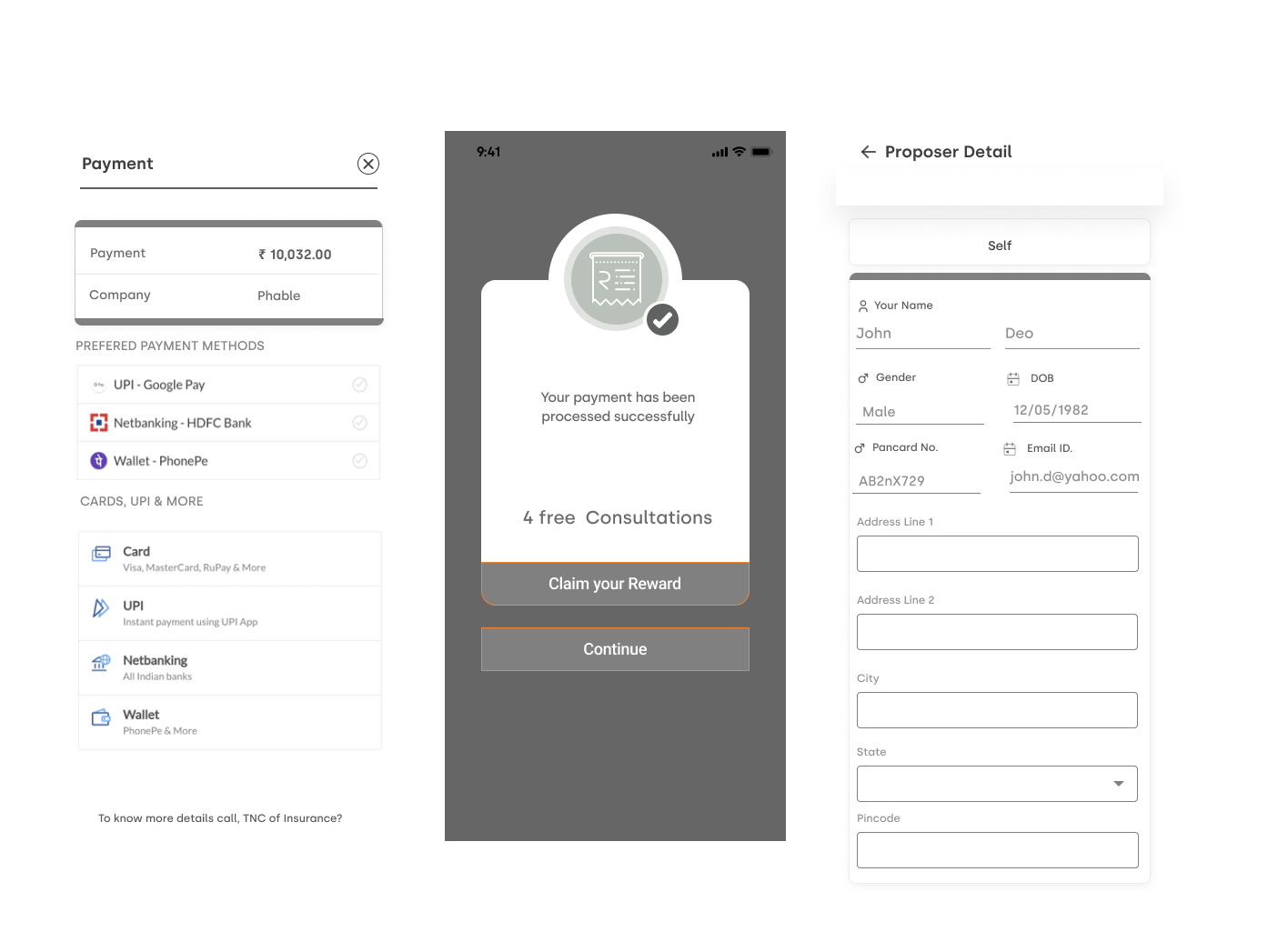
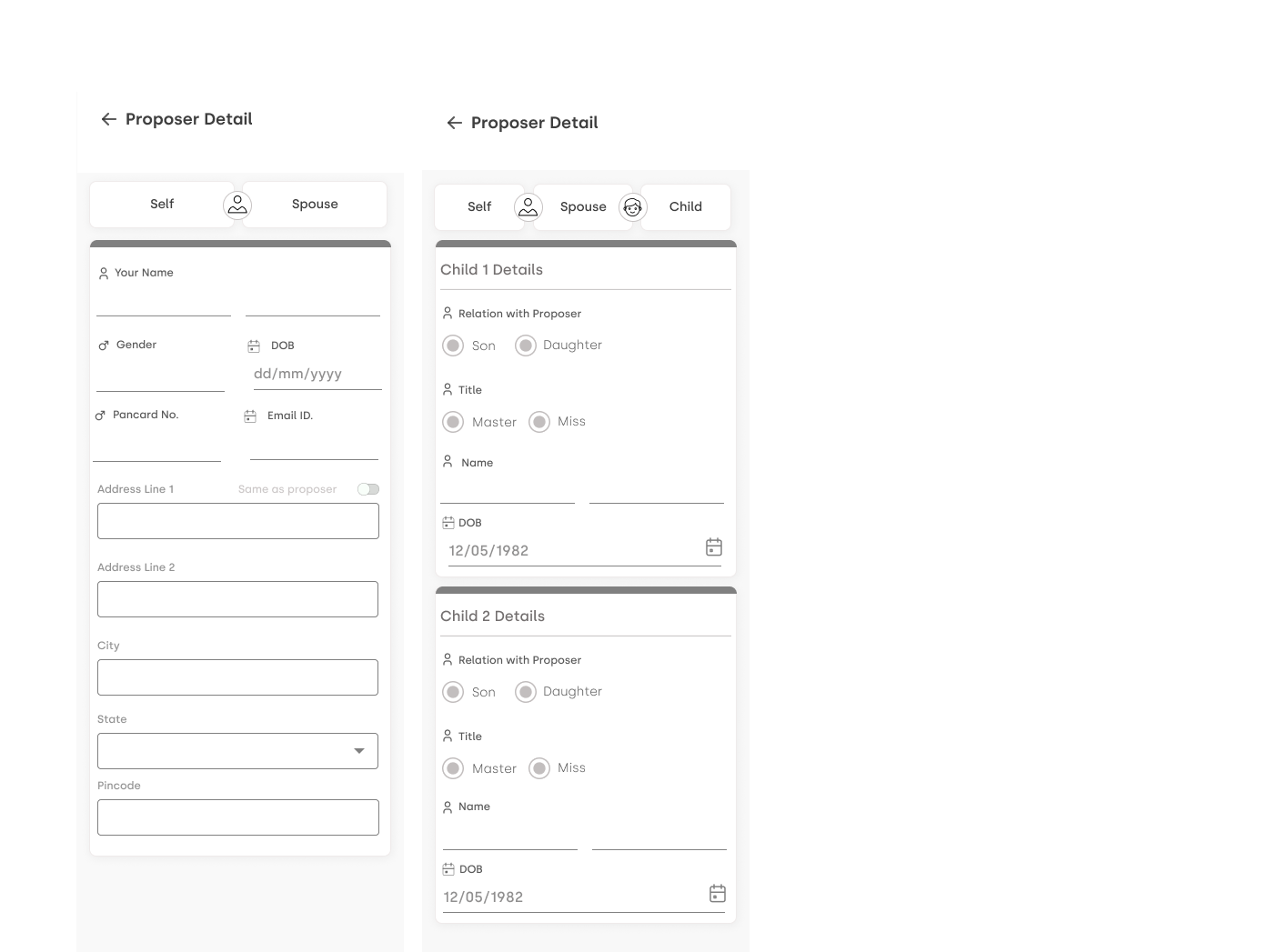
Wireframes

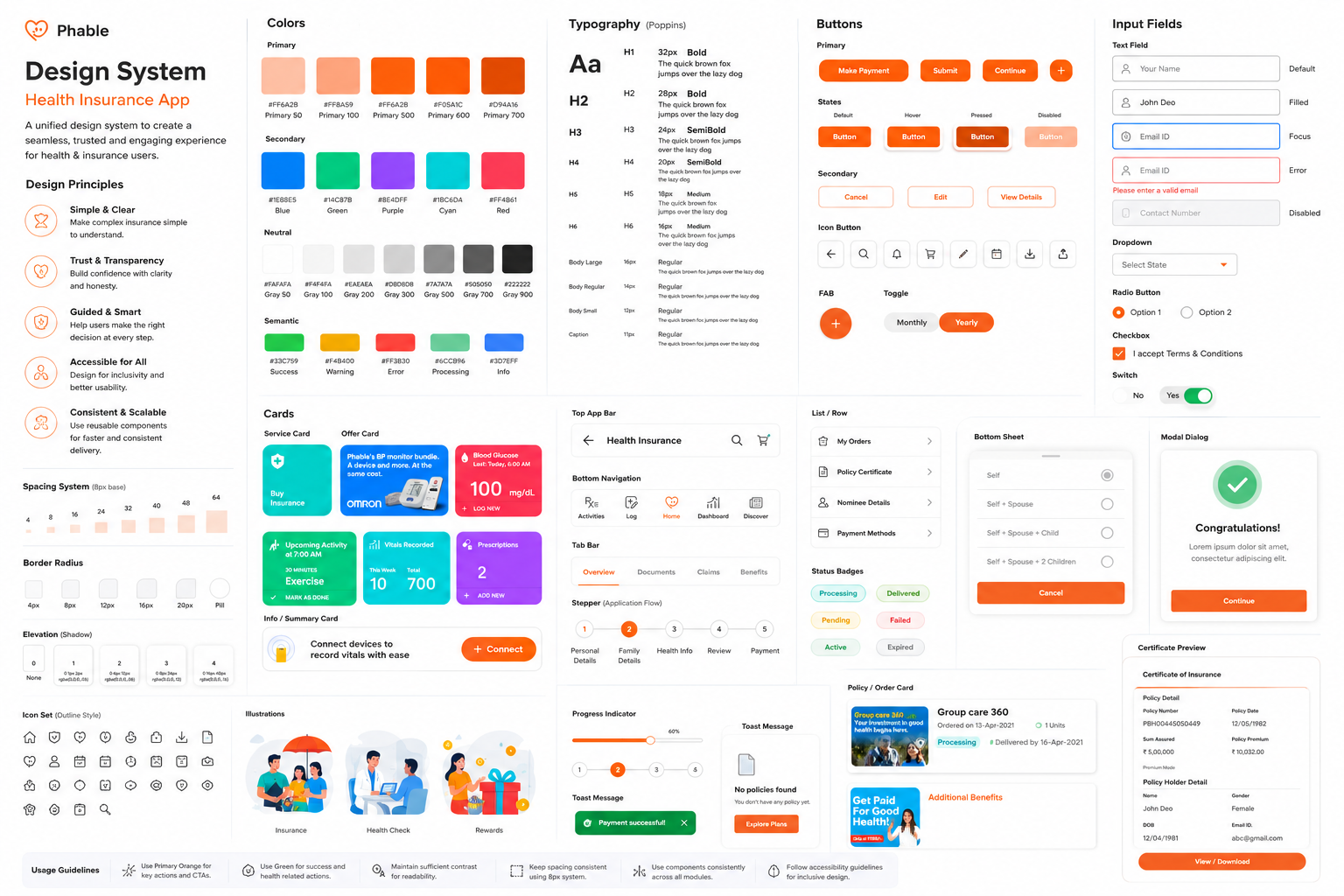
Design System